
Meet the vehicle
Choose its make and model. Add the vehicle details that matter to your inspection.
Turn a walk around the car into a guided inspection. Capture the details, spot what needs a second look, and keep your findings in one place.
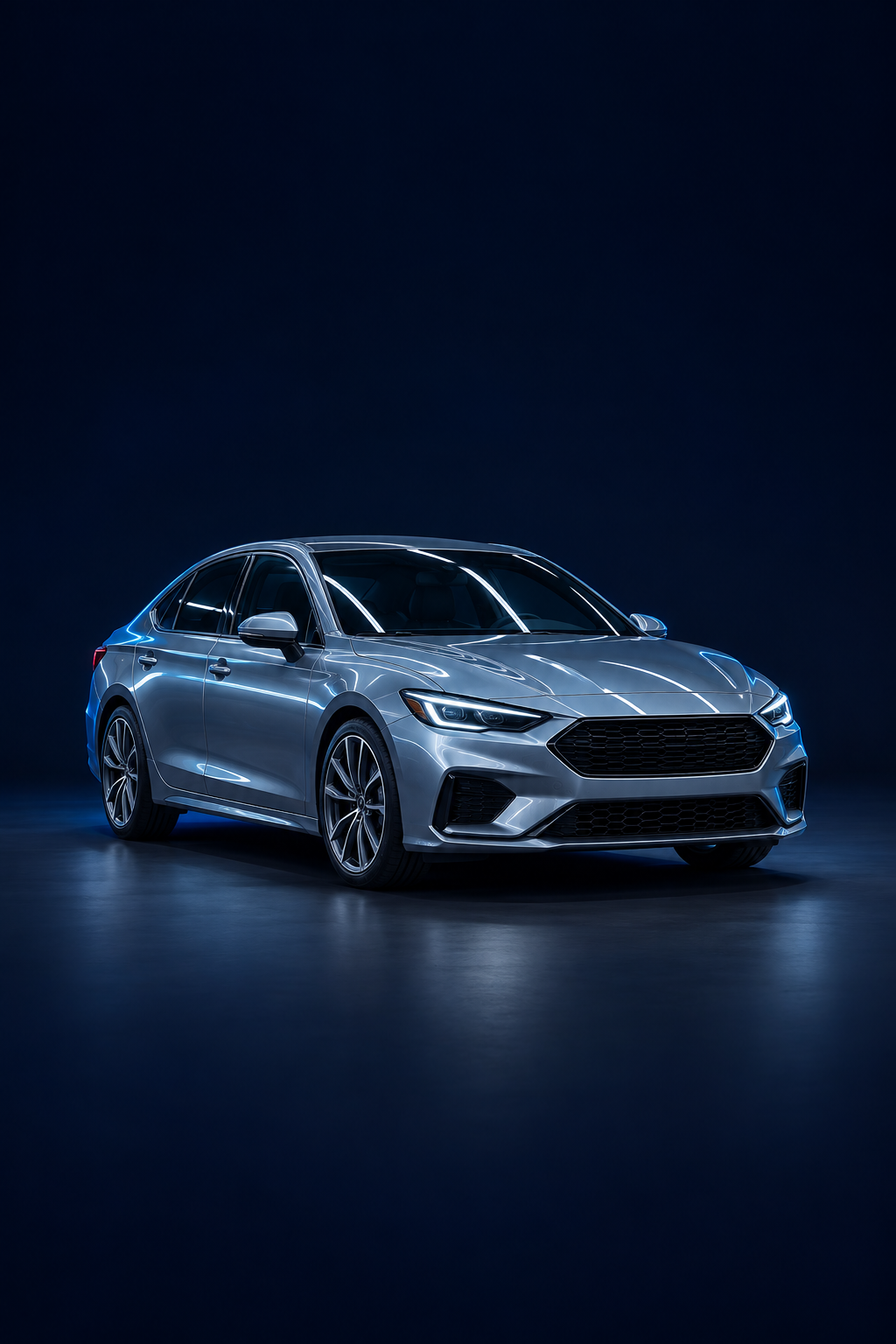
A little more clarity before a big decision.
Choose its make and model. Add the vehicle details that matter to your inspection.
Use the vehicle map and camera guide. If a photo needs better lighting or framing, take it again.
Review observations as your uploads are processed. Follow up on missing evidence and keep the report together.
A visual vehicle map turns a long checklist into a clear route around the car.
Interface illustrationLighting, sharpness and the requested view matter. Quality feedback helps you capture usable evidence.
Part-level observations and the overall report update as processing completes. Additional views may be requested.
Start with the available Free checks, or choose a paid inspection credit for a broader capture plan.
A first look
Look a little closer
Go into the details
Scope and availability are shown in the app before you start. Paid credits are purchased through Apple or Google; the store shows the price and currency before confirmation. No universal OBD or multimedia connection is included.
No. Carvexa helps organize visible evidence and AI-assisted observations. It cannot certify roadworthiness, detect every defect, measure paint thickness or replace a physical inspection by a qualified professional.
A quality check can ask you to retake the requested view. Better lighting, sharper focus or a different angle may be needed before that part can be assessed.
The app interface supports English, Turkish, Romanian, German, French, Italian, Russian and Simplified Chinese. Your device language is selected when supported, and you can change it in Settings. Some generated report text may currently be in Turkish.
Use the sign-in methods available in the app: Google, Apple or phone. Carvexa SMS verification is part of phone sign-in; your Google or Apple account may require its own security verification.
Visit Support or the Account deletion page below. We can help with account access, inspections, purchase questions and privacy requests.
Carvexa is currently being tested on iOS and Android. Public store availability will be announced here.
Contact the Carvexa team↗